Turnkey virtual appliance

Not software.
An appliance.

A ready-to-run Linux virtual machine that sits in front of the Windows PCs you already have. It runs on your network, behind your firewall — no cloud service in the middle, nothing installed on Windows.

Step 1

Import the VM.

Drop it onto VMware, Hyper-V or XenServer / XCP-ng and power it on.

Step 2

Give it an address.

A simple console menu — no Linux commands.

Step 3

Finish in the browser.

An 8-step wizard sets up the rest.

No Windows server to buyThe gateway runs on its own Linux appliance — no extra Windows Server licence to buy or patch.
Run entirely from a browserSetup wizard, certificates, users, branding and updates — all in the web interface.
No Linux skills neededA simple console menu covers the IP address, hostname, status and password reset.
No extra public IPShares port 443 with your other websites behind the proxy you already run — or use the built-in one with Let’s Encrypt.
See it in action

Under a minute.
Sign in, click, you’re in.

Real product, demo account.

RemoteApp

Just the app.
Not the whole desktop.

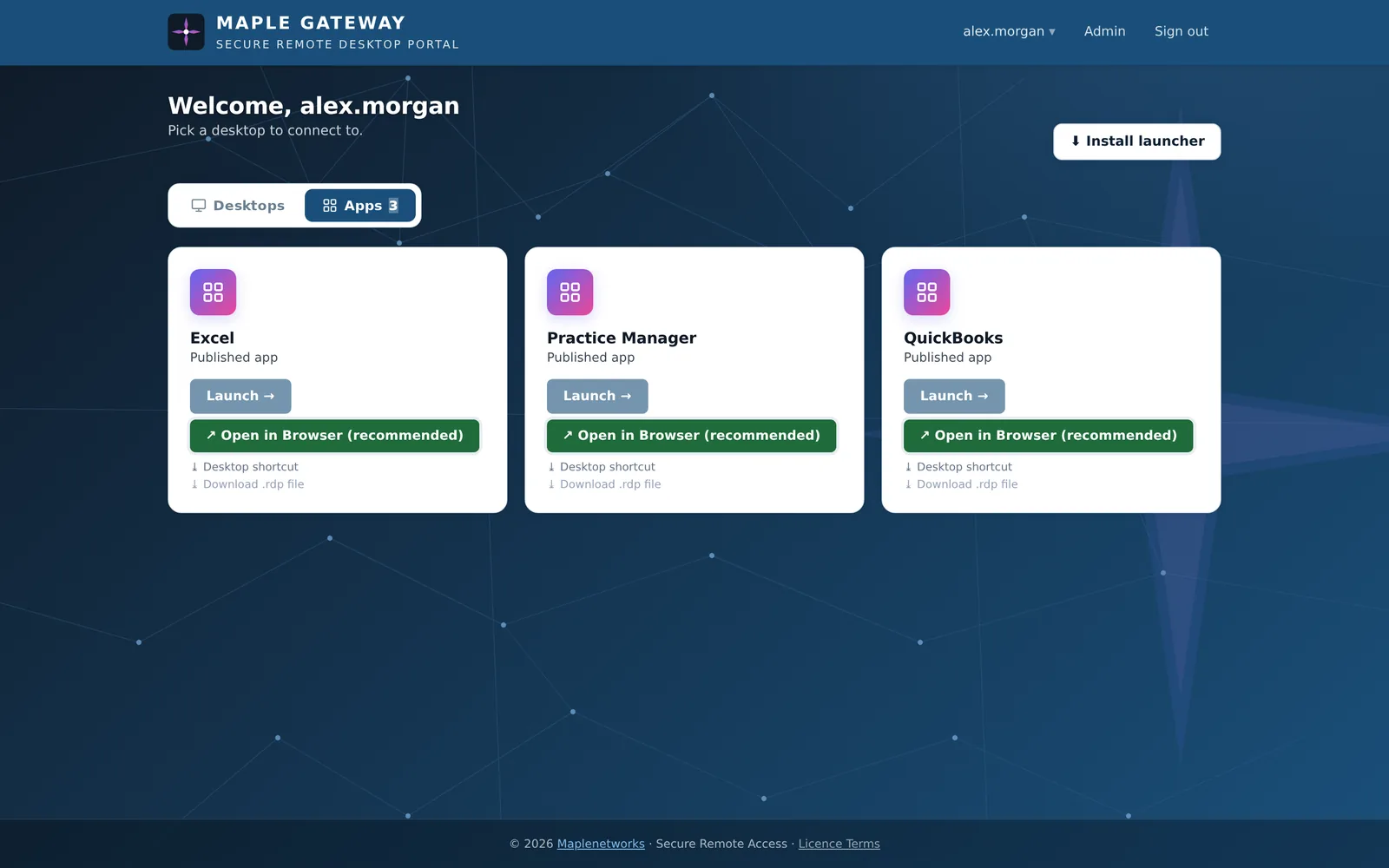
Run QuickBooks, your practice-management system or any line-of-business app as a RemoteApp. Users see an app icon, and it opens in its own window — like it was installed locally.

An Apps tab for usersApps sit apart from desktops on the dashboard, each with its own icon.
Icons pulled automaticallyA one-time publish script extracts the real icon from the .exe.
Native, seamless windowOpens through the Remote Desktop client already on the PC — with a browser fallback when there isn’t one.
Desktop shortcutsPut an app on the user’s desktop — one double-click to open.
RDS or a single PCWorks with Remote Desktop Services collections or a plain Windows host.
Same securityMFA, session-bound tokens, hidden addresses and full audit — like desktops.
See it for real

Simple for users.
Clear for admins.

access.yourcompany.com
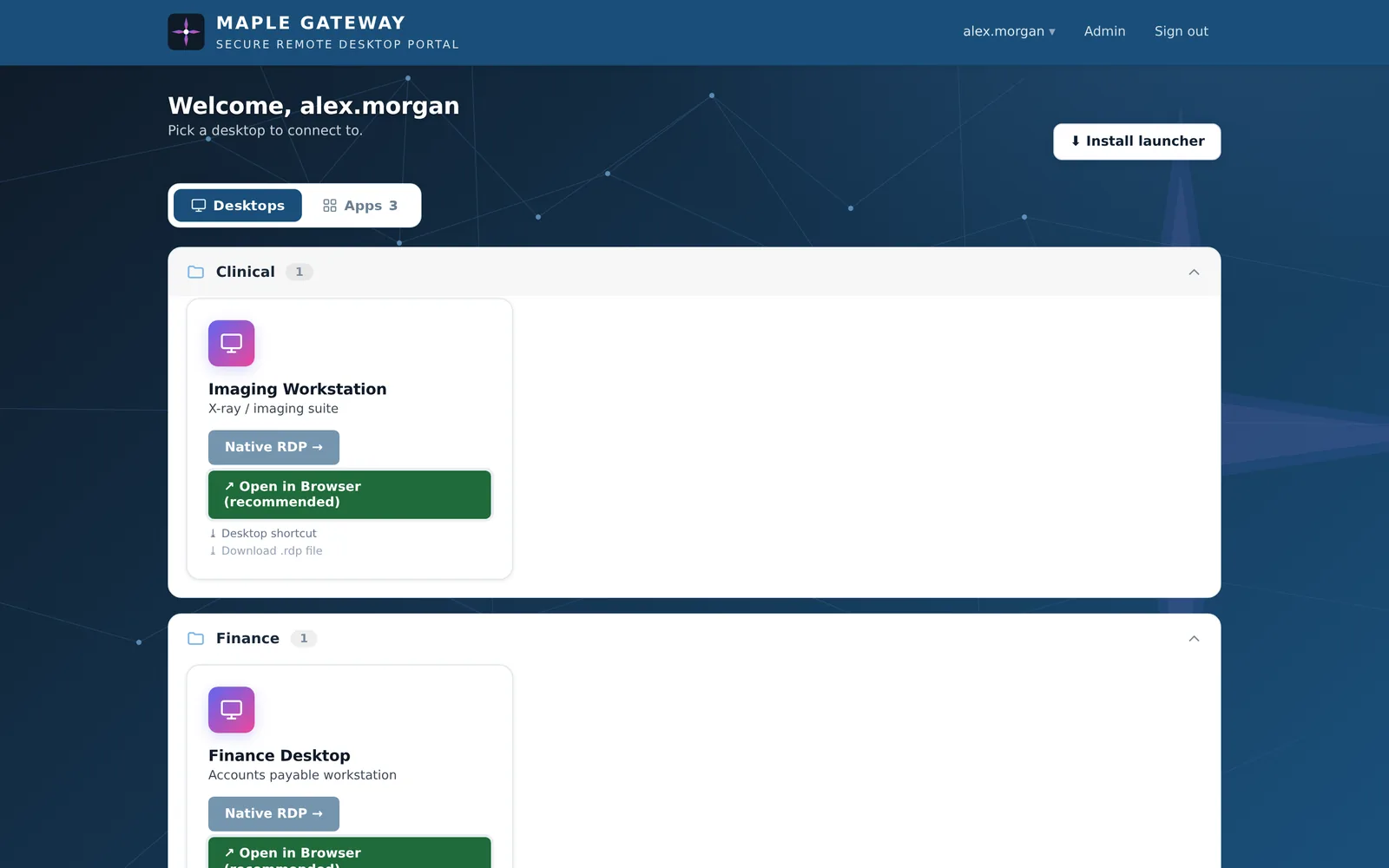
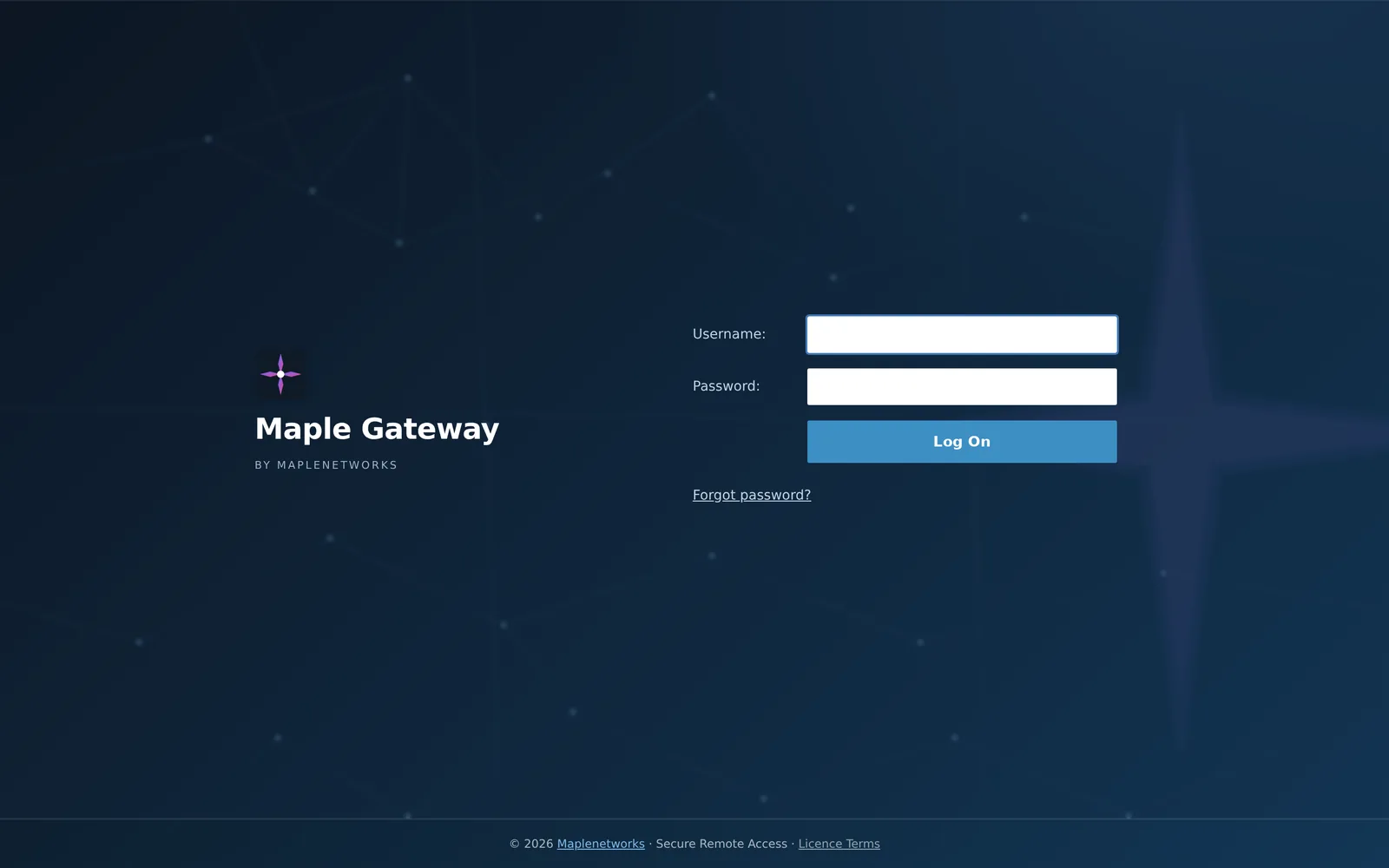
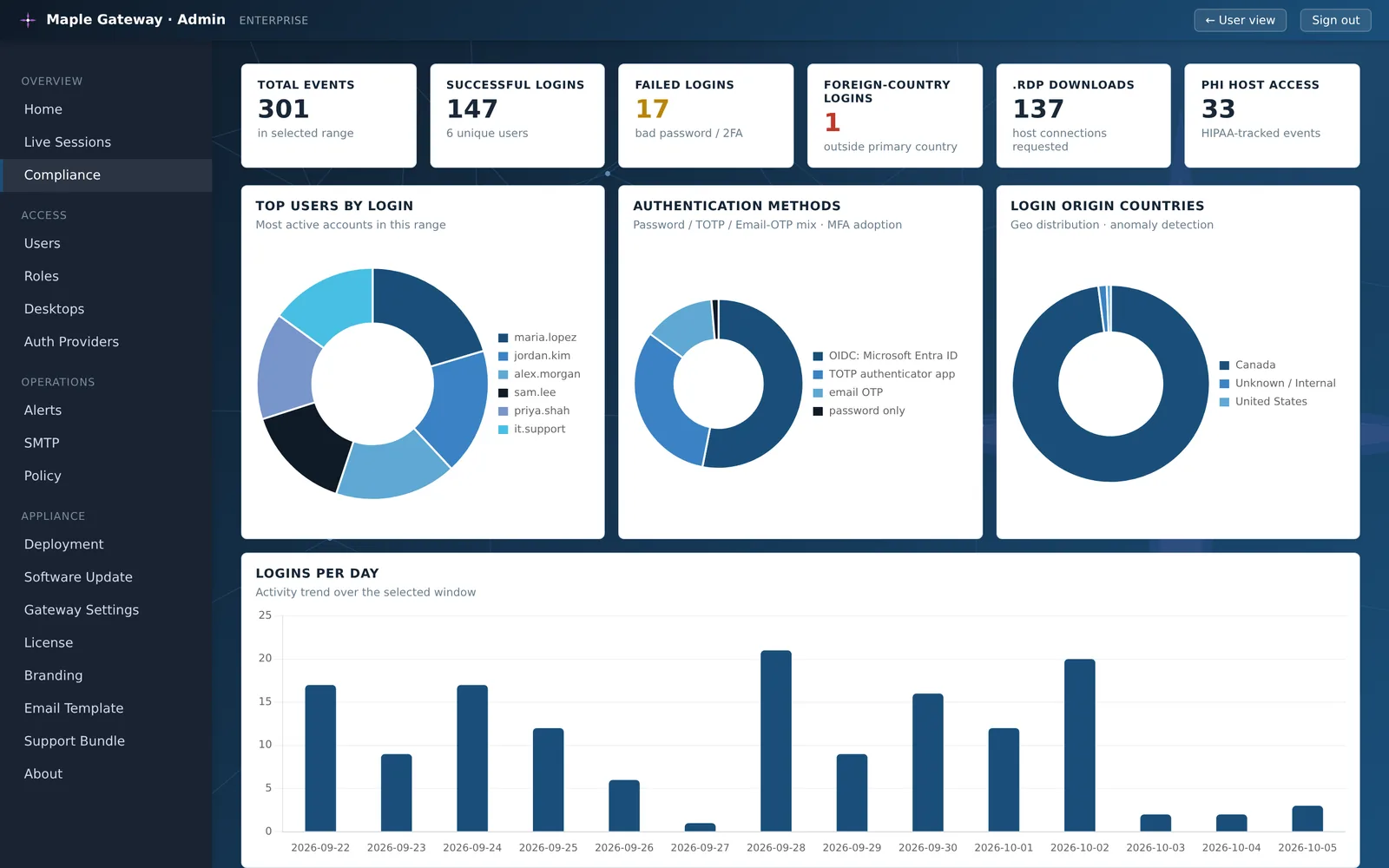
Maple Gateway user portal showing RemoteApps: Excel, Practice Manager and QuickBooks User portal with desktops organized into folders, each with Native RDP, Open in Browser and Desktop shortcut options Maple Gateway branded sign-in page Admin appliance overview showing CPU, memory and disk usage, service health and licence usage Admin compliance dashboard with login totals, MFA method mix, login countries and logins per day
Every app, one click away.RemoteApps open like local programs, in their own window.

Real product screenshots · demo data

Stop exposing RDP.
Start today — free.